01
Split by time.
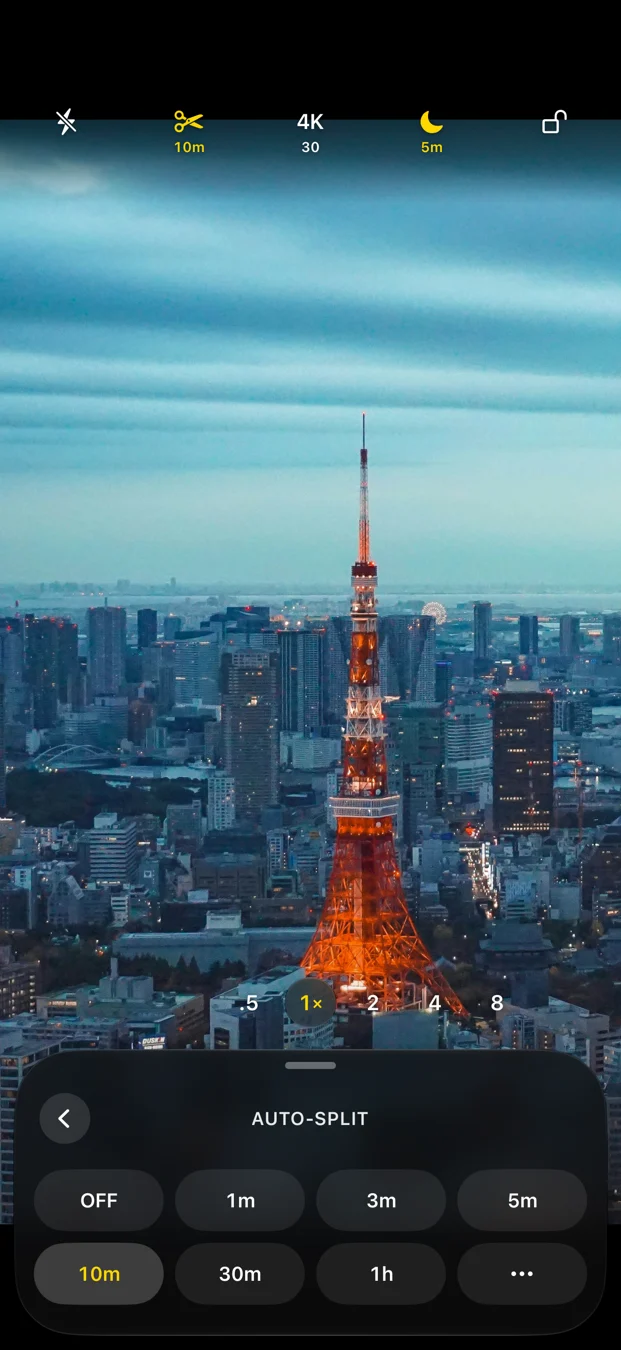
Choose an interval for each segment. Handy for lessons, interviews and longer sessions you want to organize as you record.
00:0010:0020:0030:00010203
How splitting works  LongTakeComing to the App Store
MADE FOR THE LONG TAKE
Turn a long recording into manageable video files. Choose a time or file-size limit, press record, and let LongTake handle the next segment.
For iPhone, iPad & iPhone Duo
English launch in preparation
LESS FILE WRANGLING
Set your boundaries before the take. Keep your attention on what is in front of the lens.
Choose an interval for each segment. Handy for lessons, interviews and longer sessions you want to organize as you record.
Prefer a size threshold? Start a new segment as files reach your chosen limit. Set both rules and the first limit reached wins.
Sizes are approximate: encoded frames and file finalization can pass the threshold slightly.
YOUR RECORDING, YOUR RULES
Set a maximum recording duration or total session size, independently of your split rules.
Choose whether to include sound. With audio off, your video is saved without an audio track.
Adjust ISO, shutter speed, focus and white balance, with options based on the active camera.
Choose a writable folder on a compatible attached SSD. Available connections and formats depend on your device and drive.
Reduce accidental changes while your take is running. A deliberate unlock brings the controls back.
No app account, ads or tracking SDKs. Save on your device or chosen storage, then export when you decide.
LONGTAKE PRO
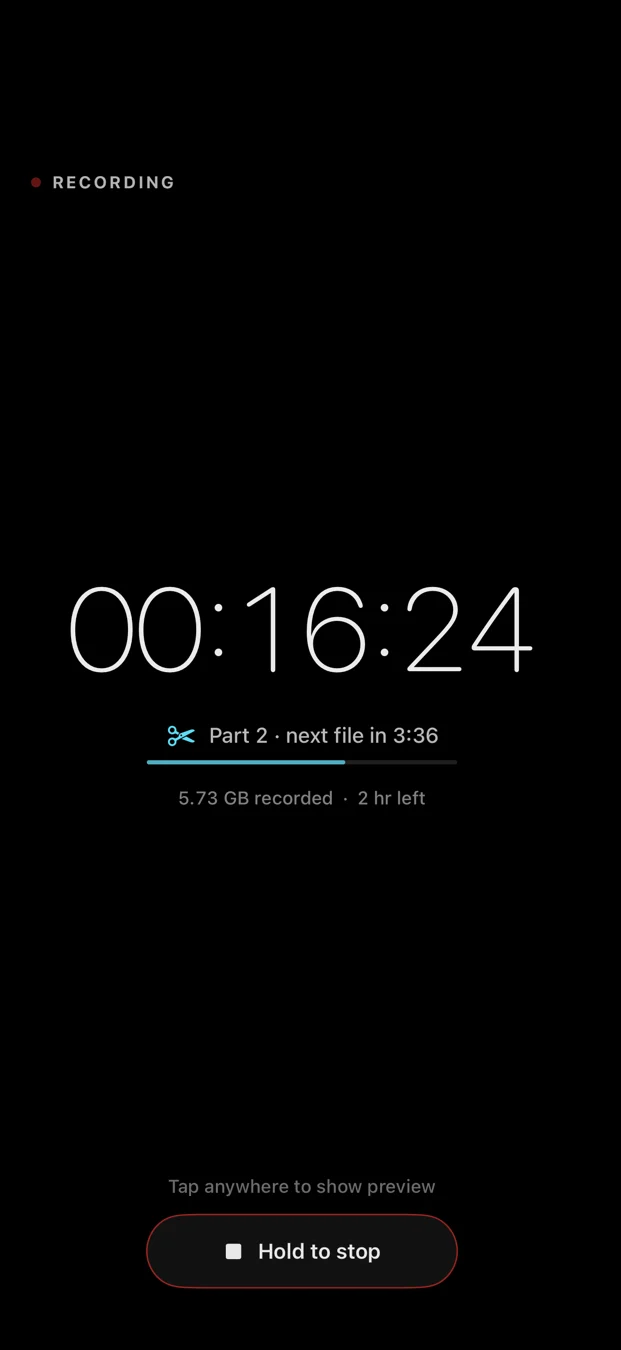
Let the preview go dark after a delay, or turn on dark screen during a take. Your recording duration stays visible. Tap to bring the preview back.
LongTake stays open and the device stays awake. This is a recording display mode, not background or locked-device recording.
Explore ProROOM TO CREATE
Native layouts for iPhone and iPad, plus an interface that adapts as you fold or unfold iPhone Duo.
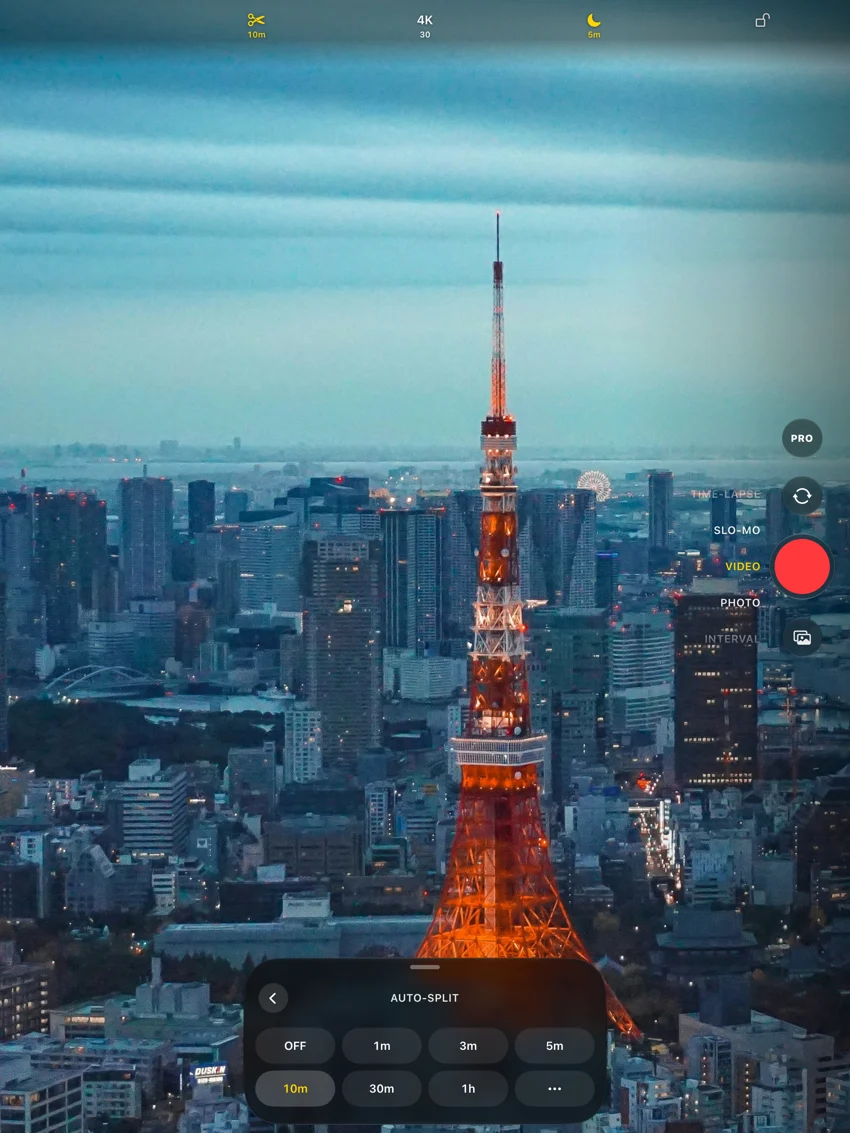
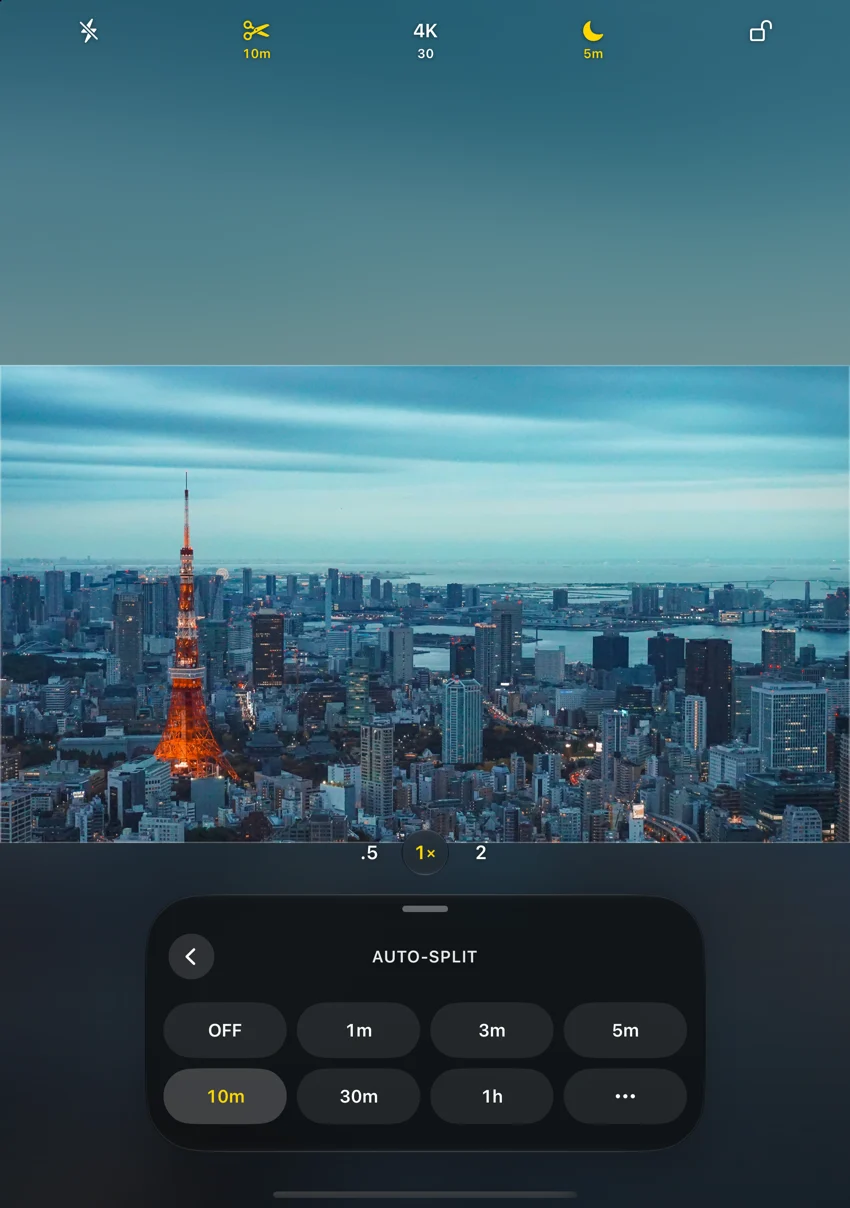
Screens show the Pro configuration. Available cameras, resolutions and accessories vary by device.
START FREE. UPGRADE ONCE.
Auto-split is part of the free app. Pro adds higher-resolution video and dark screen.
LONGTAKE
$0
LONGTAKE PRO
US$9.99 one time
Pro is an optional Apple in-app purchase. The App Store shows the price for your region before you buy.
A FEW USEFUL DETAILS
LongTake splits during recording. It starts new files as the recording reaches the time or file-size rules you choose. It is designed for capturing a session as segments.
The app continues the session automatically, but starting and finishing files can introduce a brief transition. LongTake does not promise frame-perfect gapless boundaries. Test your chosen format and storage before an important recording.
No. Keep LongTake in the foreground and your device awake. Pro dark screen dims the app’s recording interface; locking the device or leaving the app stops camera recording.
The app does not impose a paid time limit on free recording. Recording still depends on available storage, power, temperature and system interruptions. You can set your own auto-stop duration or session-size limit.
No. Pro is a one-time Apple in-app purchase. Restore it from Settings → LongTake Pro using the Apple Account that bought it. No separate LongTake account is required.
They stay in the app’s local library or the external folder you choose. Export to Photos or share a file when you want. LongTake does not upload your footage to a developer server.